Changelog #5
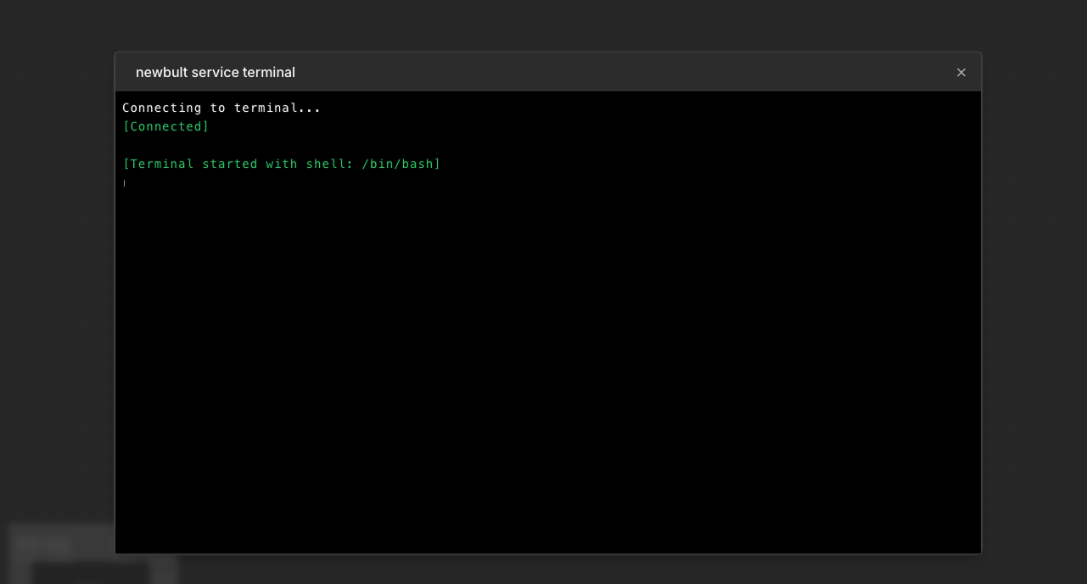
Introducing the New Terminal for Bult.ai
Bult.ai continues to evolve as a platform for fast, reliable, and highly automated application deployment. This update introduces a major improvement requested by many developers: the ability to access and debug running services directly inside the platform.
The new Terminal is designed to improve troubleshooting, support deeper interaction with deployed environments, and provide teams with more visibility into their applications.
Why Terminal Access Matters
Terminal access is an essential part of modern infrastructure workflows. When a service fails, behaves unexpectedly, or requires inspection, developers often need direct access to the runtime environment. Traditionally, this involves configuring SSH keys, opening firewall ports, or working through complex cloud provider consoles.
With this update, Bult.ai removes these steps entirely. The Terminal provides a direct connection to the container running your service. There is no need for manual configuration, secret handling, or infrastructure setup. Developers can immediately enter the environment, inspect logs, check running processes, review file structures, and execute commands to understand what is happening inside the application.
What You Can Do with the Terminal
The Terminal is designed to support the most common diagnostic and debugging tasks. This includes:
• Inspecting running processes• Viewing and editing files inside the container• Running commands to validate environment variables and runtime configuration• Testing connections to external APIs or databases• Installing lightweight tools for temporary debugging sessions• Checking application behavior in real time
The Terminal opens a direct window into the deployed service and provides a practical way to identify issues that are difficult or impossible to diagnose through logs alone.
How the Terminal Improves the Debugging Workflow
The introduction of the Terminal significantly reduces the time needed to detect and solve problems. Instead of pushing new builds or redeploying containers simply to test a fix, developers can interact with the running environment and understand what is happening immediately.
This improvement brings several benefits.
- Speed of investigation
Developers can reach the source of the problem faster by examining the environment directly.
- Clarity of runtime behavior
Seeing how services behave inside the container eliminates guesswork.
- Convenience
All debugging activity happens inside the Bult.ai interface, without switching between cloud consoles or third-party tools.
- Safety
Terminal access is securely isolated and follows the same infrastructure policies as the rest of the platform.
The Terminal and the Future of Bult.ai
This update is part of a larger initiative to give developers more visibility, control, and automation around cloud deployments. Bult.ai aims to reduce complexity and provide a platform where applications can be deployed, observed, and scaled without dealing with the traditional overhead of DevOps.
Over time, the Terminal feature will expand to support multi-instance access, session history, remote diagnostics, and automated troubleshooting recommendations powered by AI.
What Comes Next
The Terminal marks another step in the continuous improvement of Bult.ai. Additional platform updates are already in development, with a focus on faster deployments, smarter diagnostics, and more automation for production environments.
More updates will be announced soon as the platform continues to grow and adapt to the needs of developers building modern applications.